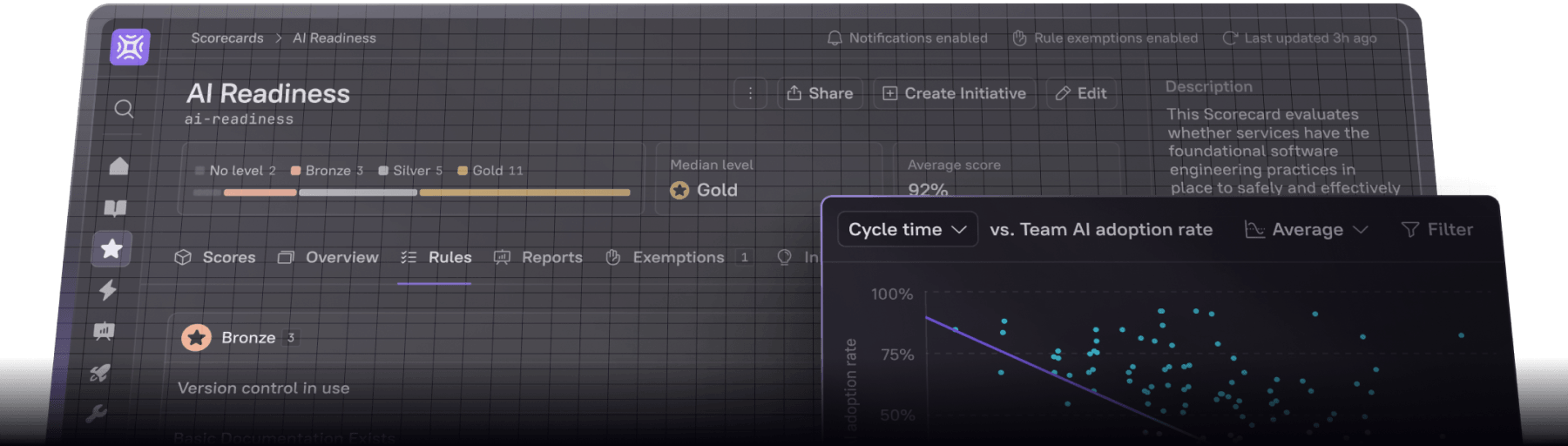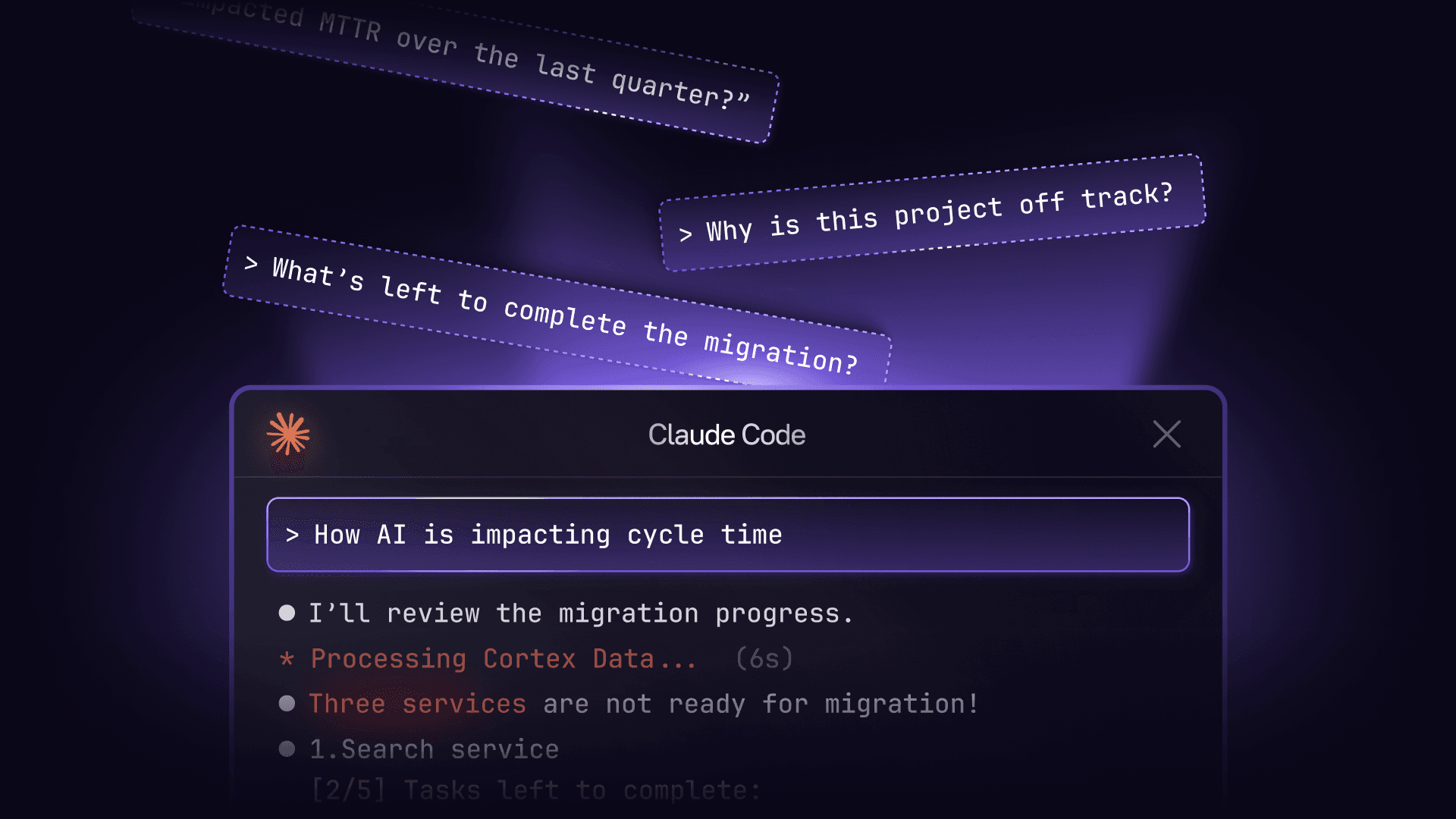

You've set up the Cortex MCP and connected it to your AI assistant and IDE. You ask about service ownership, check a Scorecard or two, and it works. You're impressed by how much faster this is than clicking through the web UI. Now you're wondering what else you can do with it.
I'm willing to bet we've hit a nerve with that "hypothetical" scenario. The Cortex MCP works exactly as designed, but it's deceptively difficult to know which questions to ask and when to ask them. Without a library of useful prompts, most teams barely scratch the surface of what's possible.
We've been working with engineering teams using the Cortex MCP since the research preview launched. The teams getting the most value from the MCP have developed prompt patterns that fit naturally into their workflows. A platform engineer knows exactly what to ask when an initiative stalls. An SRE has go-to prompts ready when an incident fires. An engineering leader runs the same questions every Monday to understand team health. And on and on and on.
We've collated the most effective prompt patterns we've seen across different roles and workflows to build this guide. Think of it as a starting point for building your own prompt library, one that fits the specific needs of your team and organization.
Prompts for engineers
The best prompts for engineers eliminate context switching at the moments when focus matters most. Whether navigating an unfamiliar service, reviewing a critical PR, or tracking down a dependency chain, these prompts keep developers in flow.
Understanding unfamiliar services
Every developer has needed to make a change to a service they've never touched. The old approach meant opening multiple tabs to track down ownership, documentation, and dependencies. The MCP collapses that search into a single question.
"Tell me about the [service-name] service, including who owns it, what it does, and where the documentation lives."
This query pulls everything from your Cortex catalog at once. You get ownership, a description of what the service does, links to documentation, and the team's communication channels. Instead of hunting across wikis, Slack, and GitHub, you have the context you need to start working.
"Show me the dependencies for [service-name]. Which services does it depend on, and which services depend on it?"
Understanding the dependency graph is critical when planning changes with potential downstream impact. This prompt reveals what might break and which teams need to be in the conversation before you make a move.
"Which Scorecard is [service-name] failing, and what do I need to fix?"
This prompt transforms maintenance from reactive to proactive. Instead of waiting for your platform team to flag issues or discovering gaps during an incident, you see exactly which Scorecards are failing and what specific checks need attention. You can address production readiness, security, or documentation gaps on your own schedule, before they become blockers.
During an incident
When an incident fires, every second counts. The MCP gives you immediate access to the critical context you need without leaving your IDE or chat interface. Instead of scrambling through wikis and Slack to find runbooks and recent changes, you can start troubleshooting immediately.
"Show me the runbook for [service-name] and who's currently on call."
Incidents often hit services you're unfamiliar with. This prompt surfaces the runbook that tells you how to respond, along with who's on call right now if you need to escalate. Having both pieces of information immediately means you can start following the recovery process or pull in the right person within seconds of the alert firing.
"When was [service-name] last deployed, and what changed?"
Recent deploys are often the root cause of incidents. This prompt shows you the latest deployment timing and what changes went out, giving you an immediate hypothesis about what might have broken. If the incident started right after a deploy, you know where to focus your investigation.
"Tell me everything about [service-name]: owner, dependencies, recent incidents, and Scorecard status."
When you need the complete picture fast, this prompt pulls together all the critical context. You see who owns it, what it depends on, whether it's had similar issues before, and whether there are known gaps in its production readiness. This comprehensive view helps you understand both the immediate incident and whether there are underlying issues that made it more likely.
During code review
Code review is where standards either hold or slip. These prompts give reviewers the context they need to evaluate changes against organizational expectations, especially when reviewing services outside their domain.
"Check the Scorecards for [service-name]. Does this service meet our production readiness standards?"
Starting here when you're unfamiliar with a service changes the conversation. If the service is already failing key Scorecards, you'll know which questions to ask and where the risks actually are.
"Show me recent incidents for [service-name]."
Past incidents tell you where a service has been fragile. When you see that history before approving changes, you can evaluate whether the PR addresses root causes or introduces new failure modes.
"Show me the code quality Scorecard for [service-name]. Are there any gaps?"
Code quality Scorecards are one of the most popular use cases in Cortex. This prompt surfaces test coverage, code quality tool integrations, and technical debt thresholds in seconds. When reviewing a PR, you can quickly see if the service meets your organization's quality standards before approving changes that might lower the bar.
Tracking your work
Initiatives represent high-priority work that crosses service boundaries. The challenge is keeping track of what's assigned to you without constantly checking dashboards. These prompts bring that visibility into your existing workflow.
"What Initiatives am I assigned to, and what's the status of each?"
This condenses your weekly status check into a single query. Run it at the start of your week or during standup and you get a complete picture of your Initiative commitments and their current state. Instead of navigating to the Cortex web UI or mentally tracking what you're responsible for, you see everything assigned to you without leaving your IDE or chat interface.
"Show me the details for Initiative [initiative-name]. What still needs to be done?"
When you're ready to make progress on a specific Initiative, this surfaces the remaining tasks and their current state. You know exactly what's left and where to focus.
"Which services are still blocking completion of the [package-upgrade-initiative] Initiative?"
Package upgrades are one of the most common uses of Initiatives. Whether you're migrating to a new framework version or updating critical dependencies for security reasons, this prompt shows exactly which services haven't completed the upgrade yet. Instead of maintaining a spreadsheet or chasing teams in Slack, you get a real-time view of what's blocking completion.
Prompts for platform teams
Platform teams live in the gap between setting standards and getting them adopted. You define what production readiness looks like, but enforcement happens through influence, not authority. These prompts show you where adoption is working, where it's stalled, and which teams need support.
Tracking standards adoption
You've defined production readiness standards. Now comes the harder part: understanding where teams actually are and what's blocking progress.
"Show me how teams are performing on the Production Readiness Scorecard. Which services are failing?"
This gives you a complete view of compliance across the organization without manually checking each team's services. You see which teams are struggling to meet standards and which services create the most risk. The answer tells you where to focus your enablement efforts and which conversations to prioritize. Instead of discovering compliance gaps reactively during incidents or audits, you have a real-time picture of organizational health.
"Which services don't have runbooks, and who owns them?"
Missing runbooks are incidents waiting to happen. When something breaks at 3 AM, responders need clear guidance to restore service quickly. This prompt shows you exactly which services lack that critical documentation and who's responsible for creating it.
With this information, you can prioritize outreach based on service criticality. A critical payment service without a runbook demands immediate attention, while a lower-tier internal tool might wait. Instead of discovering documentation gaps during an active incident when every minute counts, you can systematically close them before they cost you hours of downtime.
"Does [service-name] meet our package upgrade Scorecard?"
When you have standardized workflows for creating services in a specific technology stack, this prompt ensures they were set up correctly. Organizations with strong practices, for example, can define Scorecards that check for proper dependency injection, logging configuration, testing patterns, and other framework-specific standards. This gives platform teams immediate visibility into whether a newly created service follows your golden path or needs remediation before it goes to production.
"Show me AI maturity Scorecard results across all teams. Where are the biggest gaps?"
If you're driving AI adoption, this reveals which aspects of maturity need attention. The gaps tell you whether teams need training, tooling, process changes, or something else entirely.
Managing initiatives
Cross-team initiatives are where platform work either gains momentum or grinds to a halt. Manual status updates don't scale. These prompts give you real-time visibility into what's moving and what's stuck.
"Which services are blocking completion of the [initiative-name] Initiative?"
When an initiative stalls, this identifies exactly which services or teams are holding things up. Now you know where to focus your attention and who needs support.
"Show me progress on the Kubernetes Migration Initiative. Which teams are on track, and which are falling behind?"
This surfaces real-time status across every team involved in the initiative without sending Slack messages or requesting manual updates. You get an immediate picture of which teams are making progress, which are stuck, and which haven't started. That visibility lets you direct support and resources to the teams that need it most, rather than treating every team the same or discovering delays only when deadlines slip.
"Give me a plan to get the Checkout team back on track with production readiness."
Once you've identified a team falling behind, this generates a concrete action plan based on the specific gaps in their Scorecards and service metadata. You move straight to solutions.
Gap analysis
Platform investment decisions require knowing where the biggest risks hide. These prompts surface the gaps that matter most.
"Which critical services are missing SLOs?"
SLOs are foundational to reliability. This scopes the gap and identifies which services should be prioritized based on business impact before an incident forces the conversation.
"Show me services without proper monitoring. What's missing?"
Monitoring gaps are blind spots waiting to bite you during incidents. This surfaces which services need instrumentation and what specific monitoring is absent, so you can build a targeted remediation plan.
Prompts for SREs
SRE work splits into two modes: the calm work of preventing incidents and the chaos of responding to them. These prompts serve both, collapsing the time between "something's broken" and "I know what to do about it."
During incidents
When an incident fires, the first minutes determine everything. These prompts eliminate the scramble for basic context so you can start investigating immediately.
"Who's on call for [service-name] right now, and when was it last deployed?"
The first question in almost every incident. One prompt gets you the owner, the on-call contact, and recent deployment history. You can escalate or start investigating without hunting through five different systems.
"Show me recent deploys and changes for [service-name]."
Most incidents trace back to recent changes. This gives you a timeline pointing to likely culprits so you can focus your investigation on what actually changed.
"Show me the incident readiness Scorecard for [service-name]. Are we prepared to respond?"
Not all services are equally ready for incidents. This tells you whether runbooks exist, whether monitoring is in place, and whether escalation paths are documented. You know what tools you have before you need them.
Proactive reliability work
The best SRE work happens before the incident fires. These prompts help you identify which services are fragile and what's missing before those gaps show up at 3 AM.
"Show me services with the highest MTTR in the last month."
High MTTR means certain services are consistently difficult to debug or restore. This tells you where reliability improvements will have the biggest impact on your time and your team's sanity.
"Which critical services have had the most incidents recently?"
Frequent incidents signal deeper problems that incident response won't fix. This helps you spot patterns and prioritize services that need architectural investigation, not just patches.
"Show me services that are missing runbooks or escalation procedures."
When incidents happen, responders need clear guidance. This identifies documentation gaps that will slow response time before they cost you hours during an outage.
Tips for crafting effective prompts
The prompts above are starting points, not prescriptions. The most effective prompts are the ones you develop for your specific workflows and organizational context. Here are principles that consistently make prompts more useful.
Be specific about what you need. Instead of "Tell me about services," ask "Show me all critical services failing the Production Readiness Scorecard." Specificity determines whether you get actionable information or generic noise.
Combine multiple questions when context helps. The MCP handles complex prompts like "Who owns orders-api, when was it last deployed, and are there any open incidents?" You get richer context in one shot instead of piecing together three separate queries.
Reference your organization's specific constructs. If you've defined custom Scorecards or Initiatives in Cortex, reference them by name. The MCP understands your organization's specific standards and can query against them directly.
Use follow-up questions to drill down. Start broad, then go narrow. "Show me services with failing Scorecards" followed by "What specific checks is checkout-service failing?" moves you from landscape view to action items.
Build a library of your most-used prompts. If you ask the same question every Monday morning, save it. Some teams maintain shared prompt libraries so everyone can benefit from patterns that work.
Start building your prompt library
The Cortex MCP becomes powerful when it disappears into your workflow. That shift happens when you've developed prompts that fit your specific role, answer your recurring questions, and surface information at the exact moments you need it.
Start with the prompts above that match your daily work. Use them in real situations. Refine them based on what you learn. Over time, you'll build patterns that feel second nature. The MCP will stop being a tool you remember to use and become infrastructure you rely on without thinking.
Your engineering context is already in Cortex. These prompts help you access it at the moments when context matters most.
Want to try the Cortex MCP with your team? Get started today.