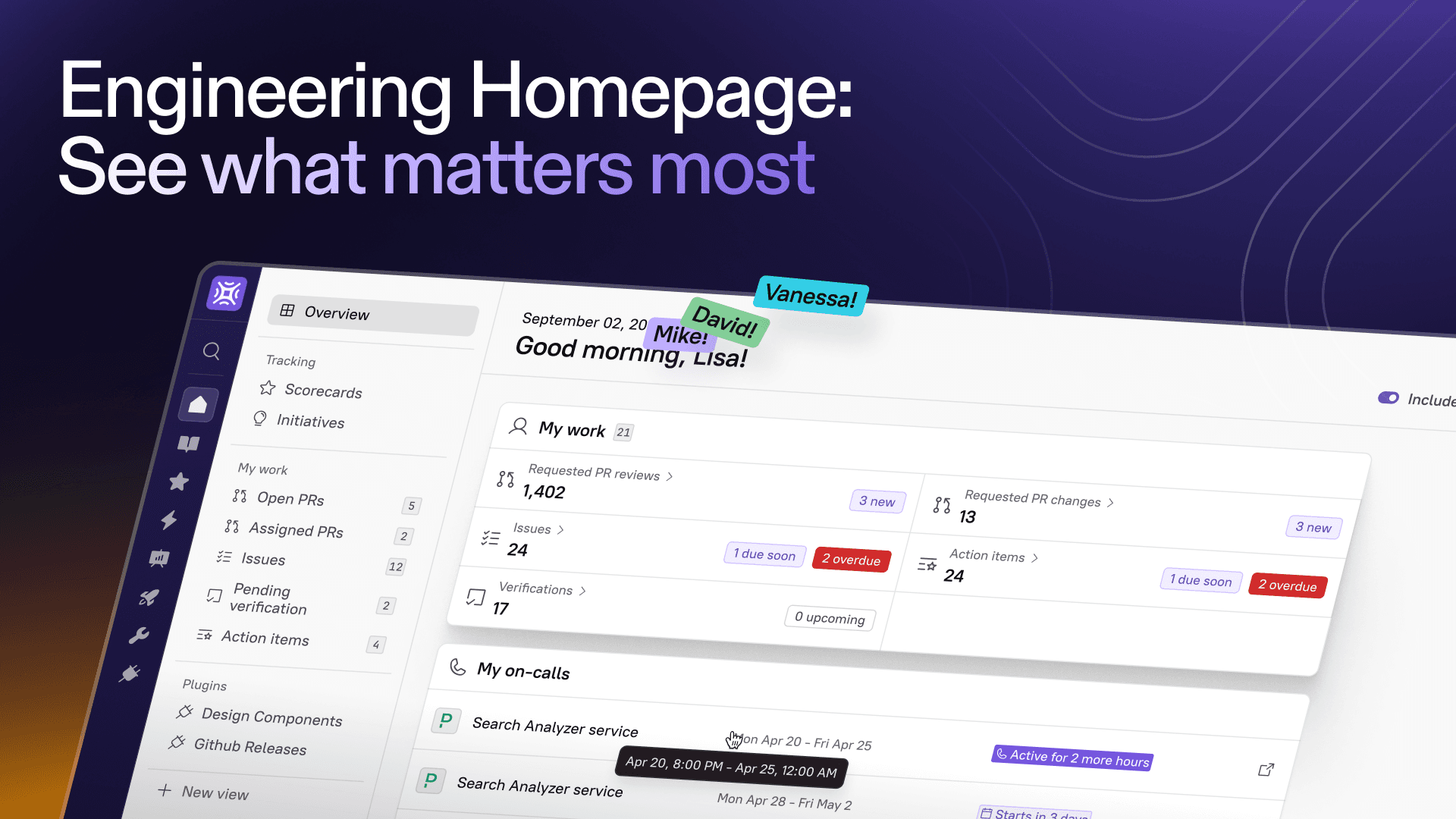

Every role, whether you’re a hands-on developer, a team lead, or an executive, has its own set of priorities and workflows. And now, Cortex’s homepage is optimized to bring relevant insights front and center, tailored to what each person owns and what they care about.
From Developer-centric to role-aware
Managers and executives often oversee multiple teams or layers of ownership without direct entity assignments. That’s why we’ve built the Engineering Homepage to dynamically tailor content to every user’s context.
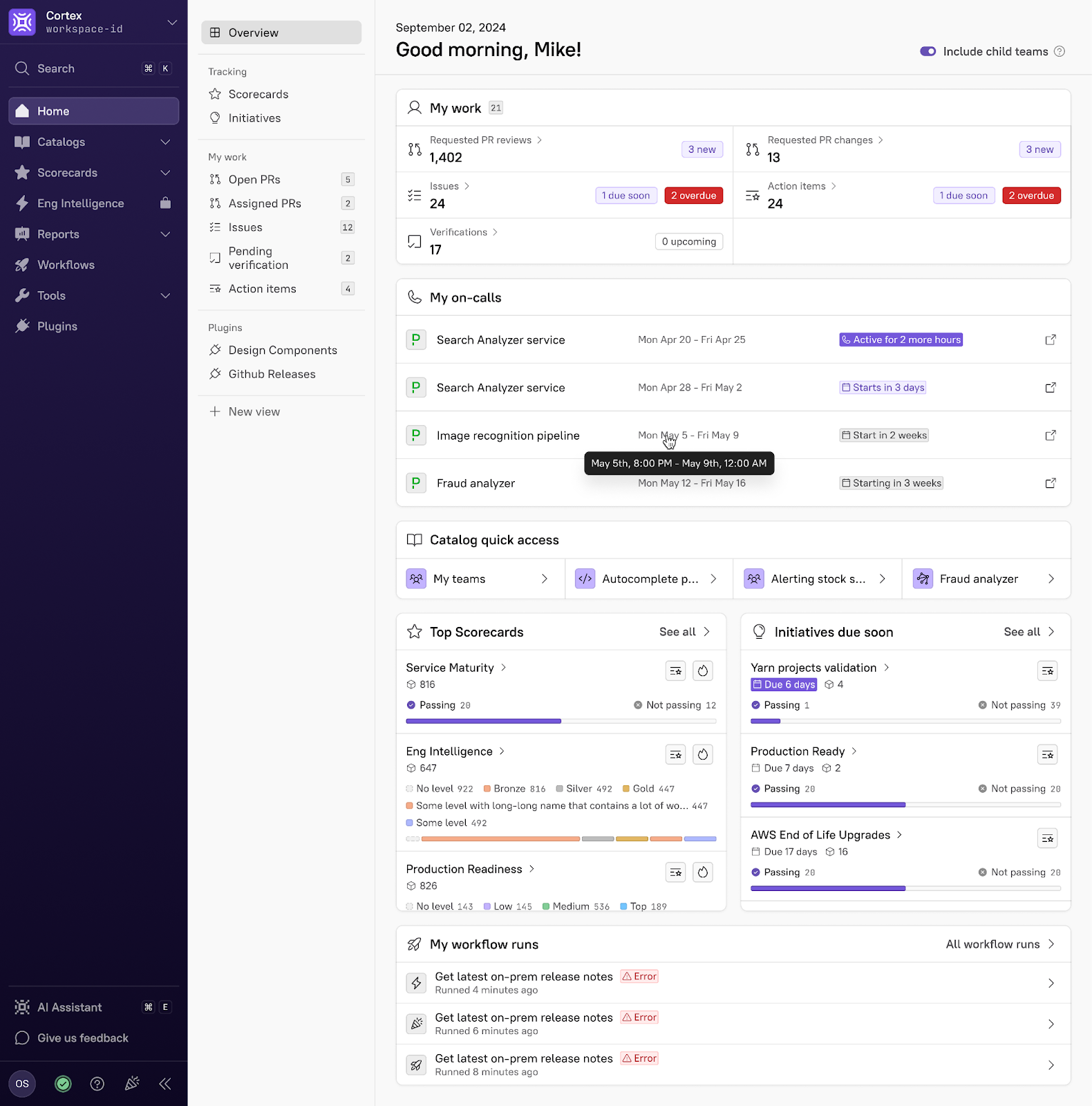
The new Include Child Teams toggle rolls up scores and initiatives for your team and every nested team beneath it by default. This turns your homepage into a command center showing data for all entities under your purview.
What you’ll see in the Engineering Homepage
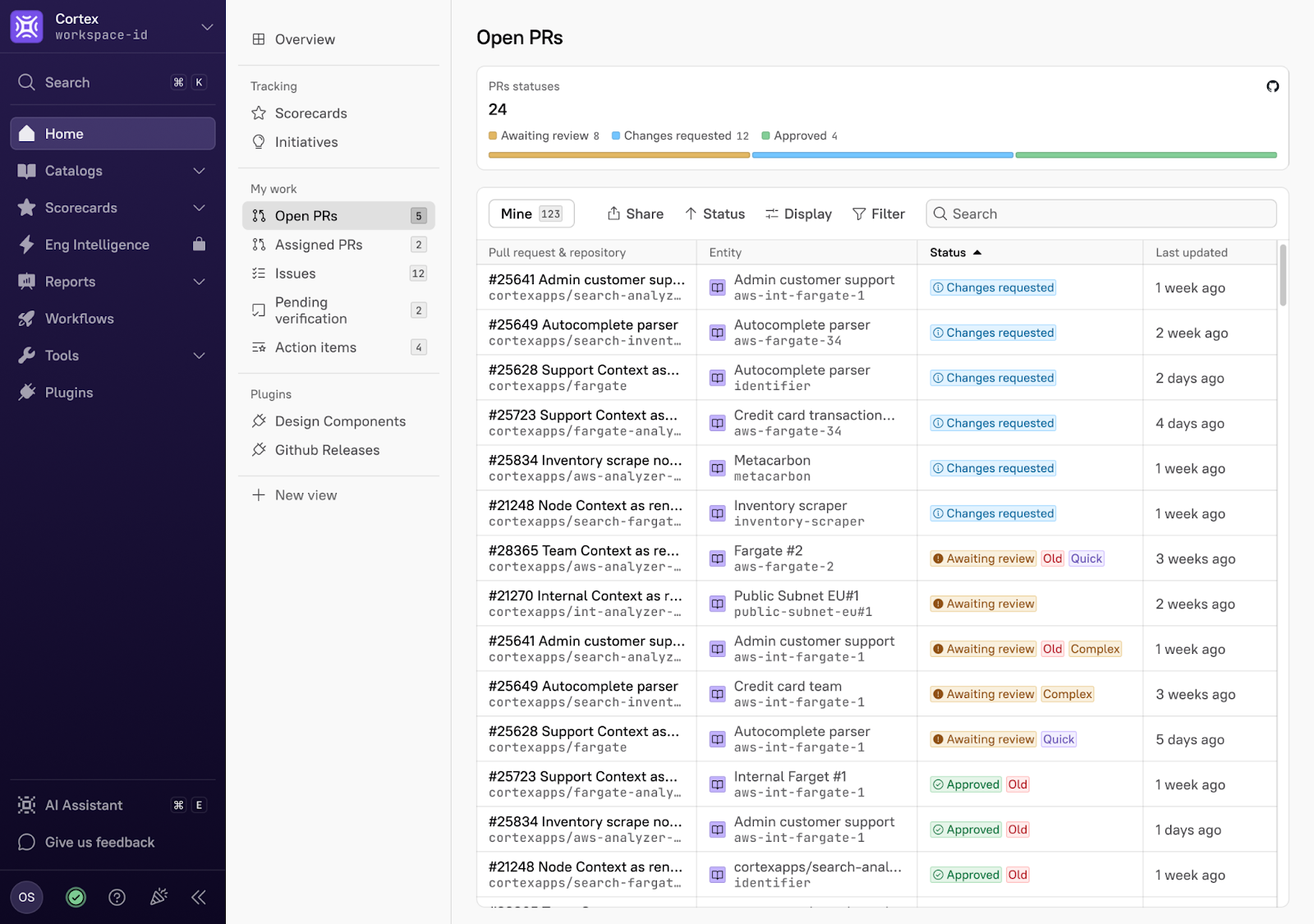
1. My Work: This area remains your go-to for personal tasks. You’ll still find:
Requested Reviews: PR reviews awaiting your feedback
Assigned Issues: Jira tickets in your queue
Authored PRs: Open pull requests you’ve created
Action Items: Pending items from initiatives or scorecards
Pending Verifications: Checks you need to approve
We’ll hide metrics when you have zero items, so your dashboard stays focused on what’s important.
 2. On-Call: If you’re scheduled for on-call rotations, this panel tells you when your next shift starts and provides quick access to relevant runbooks and escalation paths.
3. Quick Catalog Access: Jump straight into the catalogs you care about with quick links for All entities, Teams, Services, and Resources filtered to what you own.
4. Top Scorecards & Initiatives: Keep a pulse on your key health metrics and priorities.
Scorecards: Rather than overwhelming you with every scorecard in the organization, we surface scores only for the entities you own. Drill down into action items or navigate directly to the full “birds-eye” report for deeper analysis.
Initiatives: See your active initiatives at a glance and click through to manage tasks or make progress.
Bringing this view into the homepage has been a big hit with our customers, one of them saying “I can immediately see how the scorecards and initiatives for the entities my team owns front and center. This is huge!”
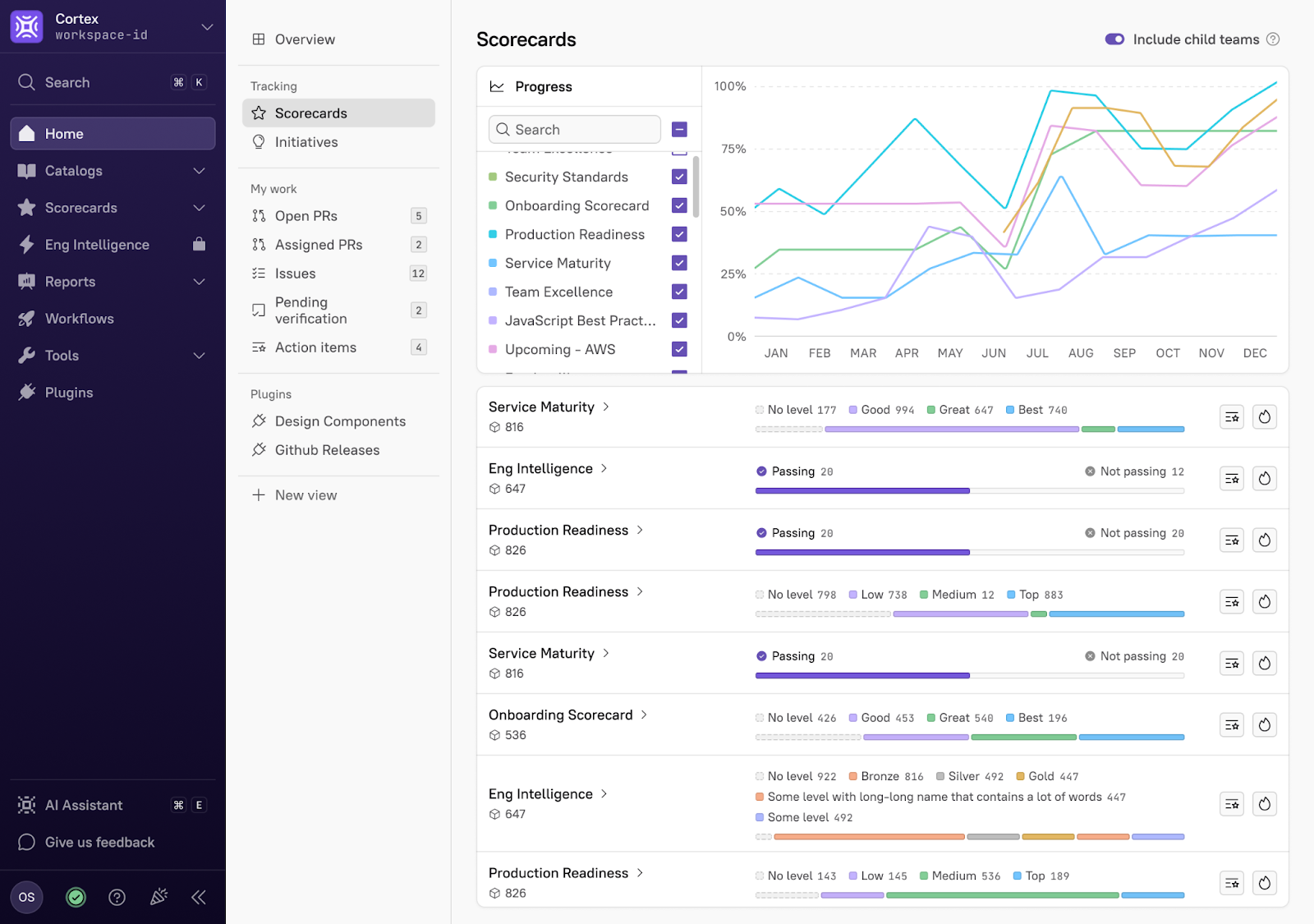
5. My Workflow Runs: See recently run workflows and their status.
Customize your Homepage with Plugins
You can make the homepage your own using plugins. Embed these into the left side nav so to give everyone access to your custom built views.
Get started with your new homepage
Experience the power of a homepage that adapts to you:
Plan for your next on-call
Review your Scorecards
Make progress on active Initiatives
Explore your work
View recently run Workflows
Whether you're an engineer writing code day to day, an SRE focused on improving reliability, or a leader focused on delivering new functionality and driving Engineering Initiatives, the Engineering Homepage ensures you have the insights you need, precisely when you need them.
Not a Cortex customer yet and want to see it in action? We’ll be showing off the new Engineering Homepage during the Summer Scoop Launch Party on May 29th.
But if you can’t make it then, schedule a demo and ask about the Engineering Homepage.